
OBD-II has been mandatory on US gasoline cars since 1996 and diesels since 1997 — same port, same place, same protocol. An adapter that reads one car reads the rest.
It outlives the car.
Sell the car, keep the scanner. It pulls out from under the dash and goes into the next one in about four seconds. Nothing to re-buy, nothing to set up again.
The app is what improves.
Everything that gets smarter — the explanations, the history, what Opie notices — ships in Louro. The adapter's job is to read the port, and that job does not change.
What it turns your phone into
The scan tool stops being the shop’s.
The adapter is the small half. What it plugs into is the point.
The light, in English
Pull the fault code and the freeze frame that came with it, then read what it means for your car — not a four-character string you have to go and search.
Cockpit™
Garage+
Live gauges streamed from the port to your phone, while the engine is running.
Every scan, kept
Garage+
Each scan is saved to that car, so Opie can tell you what is new since last time instead of starting from nothing.
Ready before the test
Check whether your car's readiness monitors have set before you drive to an emissions test, rather than finding out in the queue.
The list
Two adapters we can vouch for
The links below are affiliate links: Louro may earn a commission if you buy through them, at no extra cost to you. It does not influence which adapters we test. We chose these two before there was any commission attached, and an adapter cannot pay its way onto this page.
Our pick
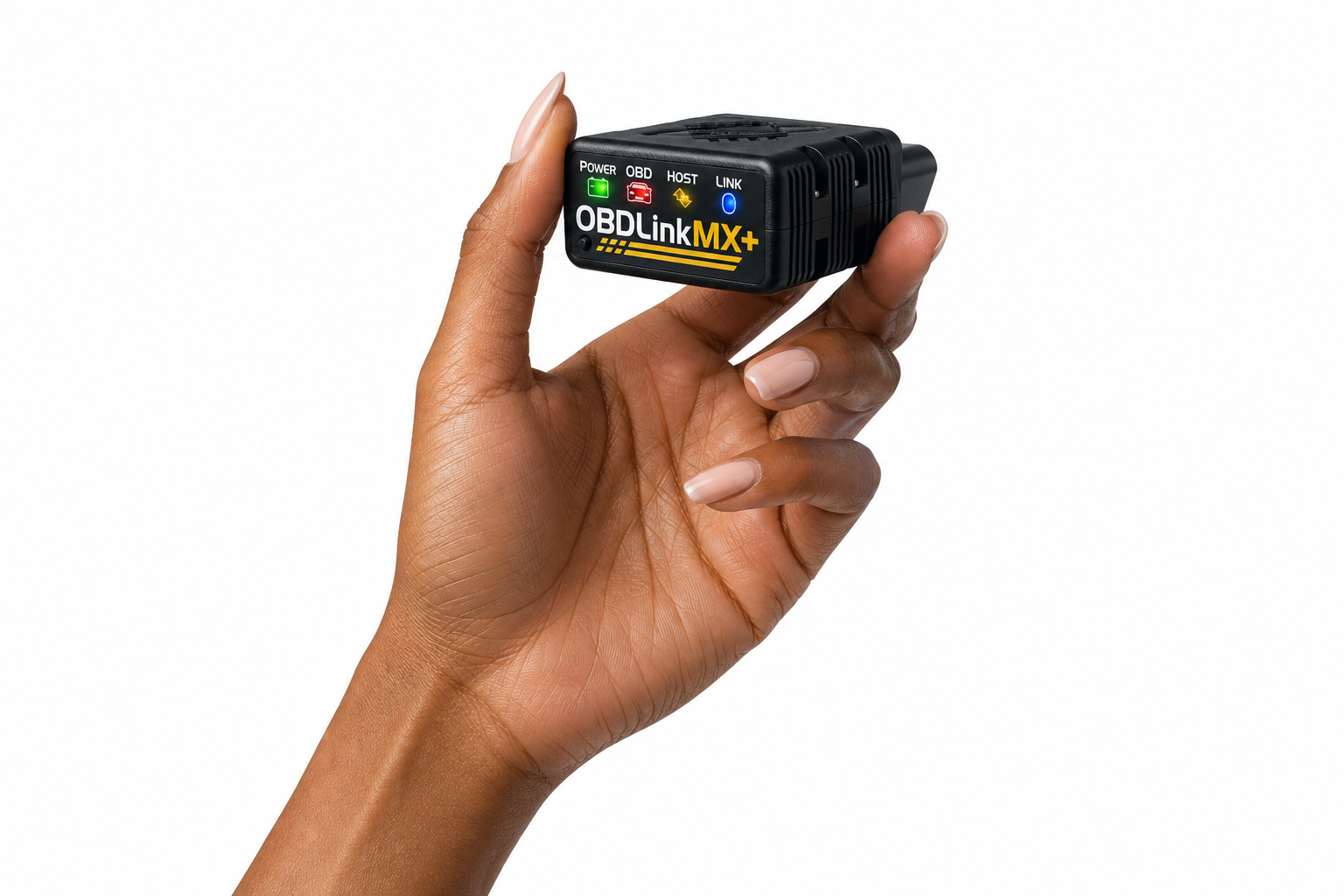
OBDLink MX+
Bluetooth
What we use at Louro
The adapter Louro is developed against. It connects quickly, holds the connection through a full scan, and returns every reading Louro asks for — fault codes, freeze frame, readiness monitors and live data.
Affiliate link · price and availability live on Amazon
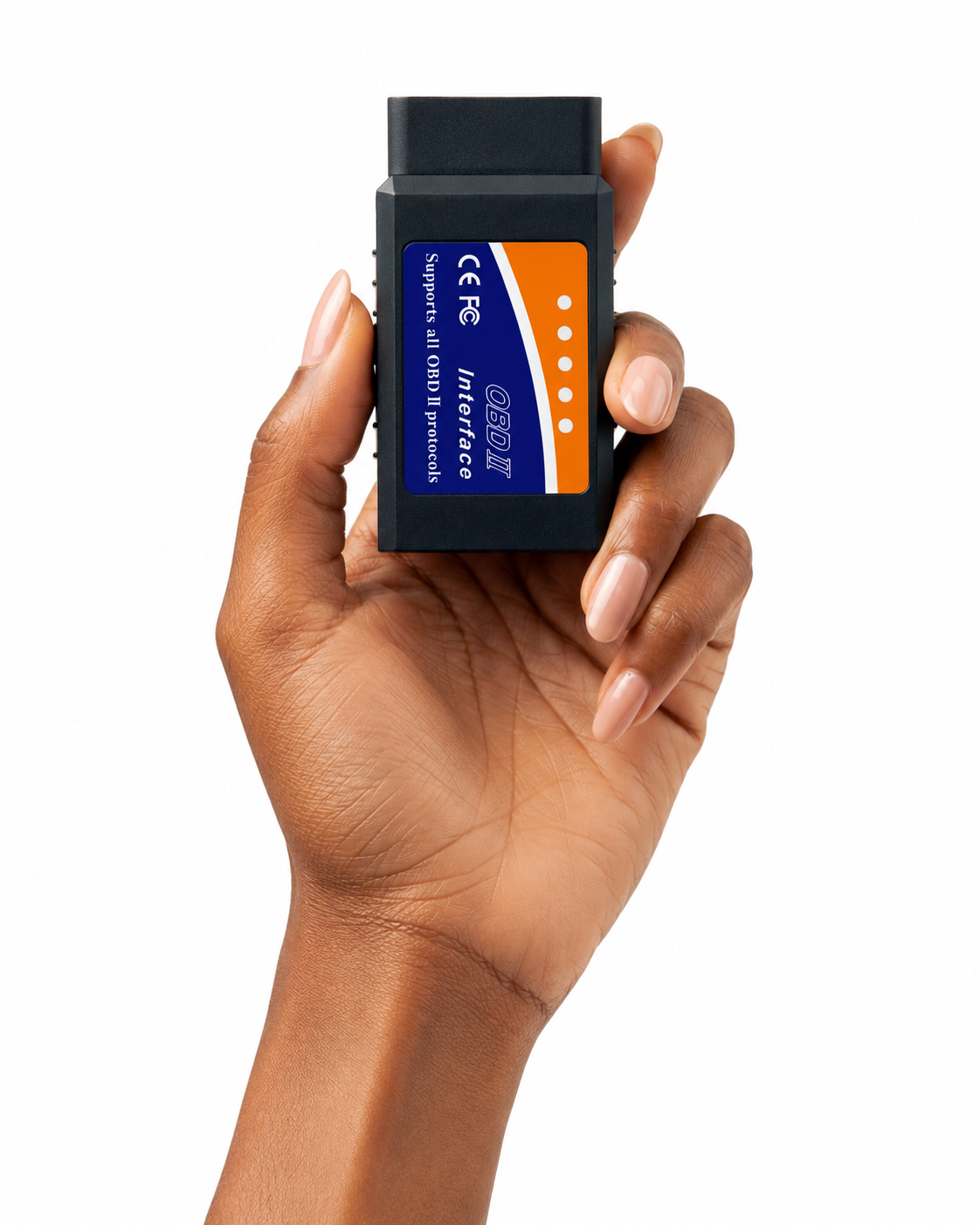
The standard
Compatibility tested by Louro
OBDLink MX+ is an OBDLink product. The OBD2 Bluetooth Scanner is sold under the LJPXHHU brand. Louro does not manufacture either scanner and has no sponsorship or endorsement agreement with either brand. Compatibility tested by Louro means we tested the listed functions with our app on a real car. It does not mean manufacturer approval or a guarantee for every vehicle or feature.
How a scan goes
1Plug a compatible OBD-II scanner into the port
2Pair it with your iPhone
3Scan your car with the Louro app
4Read any fault codes in plain English
5Share those codes with family, friends or your mechanic
Before you buy
Your car needs an OBD-II port
In the United States that means a gasoline car from 1996 or later, or a diesel from 1997 or later.
Bluetooth only
Wi-Fi adapters are not supported, because iOS cannot stay on your home network and the adapter at the same time.
Not a replacement for a mechanic
Louro reads what your car reports. Nothing it finds should be repaired without someone who can put the car on a lift.
Start with the app. It’s free.
Codes, recalls, records and Opie all work before any hardware arrives. Add the adapter when you want the car talking back.